Simple, focused apps for iPhone, iPad, Apple Watch & Mac
Eslaforde Simple Solutions builds clean, native Apple apps that do one thing well — a checking-balance planner that shows an overdraft coming, hands-on puzzle helpers, a fast, no-nonsense workout tracker, and a one-tap route launcher. Tools to use, not feeds to scroll.
Simple Balance Planner
Your bank shows you today’s balance. This shows you next month’s. Tell it the bills and paychecks that repeat, and it carries your balance forward day by day — so you see an overdraft coming weeks before it lands, and spot the months when more cash is sitting in checking than needs to be there.
See the dip before payday, and the surplus that could be working harder elsewhere
Start by importing three months of your bank’s own CSV export
Recurring rules built automatically from your history — rent, utilities, salary
Project ahead without entering a single future transaction — 30 days free, a full year with a subscription
Tick each item off as it clears the bank to keep the plan honest
Not a budget tracker or expense categorizer — one account, kept balanced over time
Free to use — importing, rules, reconciling and iCloud sync stay free; the full-year view is $0.99/month or $9.99/year after a two-week free trial
iPhone, iPad and Mac, syncing through your own iCloud account
A hands-on workspace for working out anagrams yourself. Enter your letters and get draggable tiles you can move between ordered boxes and a freeform workspace. Try arrangements, lock what you’re sure of, shuffle the rest — and if you’re truly stuck, ask it for the answer.
Drag tiles between ordered boxes and a freeform workspace
Shuffle tiles to spark new ideas and see fresh arrangements
Lock letters in place once you're sure of their position
Undo and redo moves, so experimenting never costs you progress
Resize the workspace to suit your solving style
Fill all boxes in one tap, or work tile by tile
Stuck? Solve Puzzle lists every word that uses all your letters — behind a confirmation, so you only see the answer when you ask for it
Free for puzzles of up to 6 letters, with every tool included; unlimited letters free for your first two weeks, then with a subscription
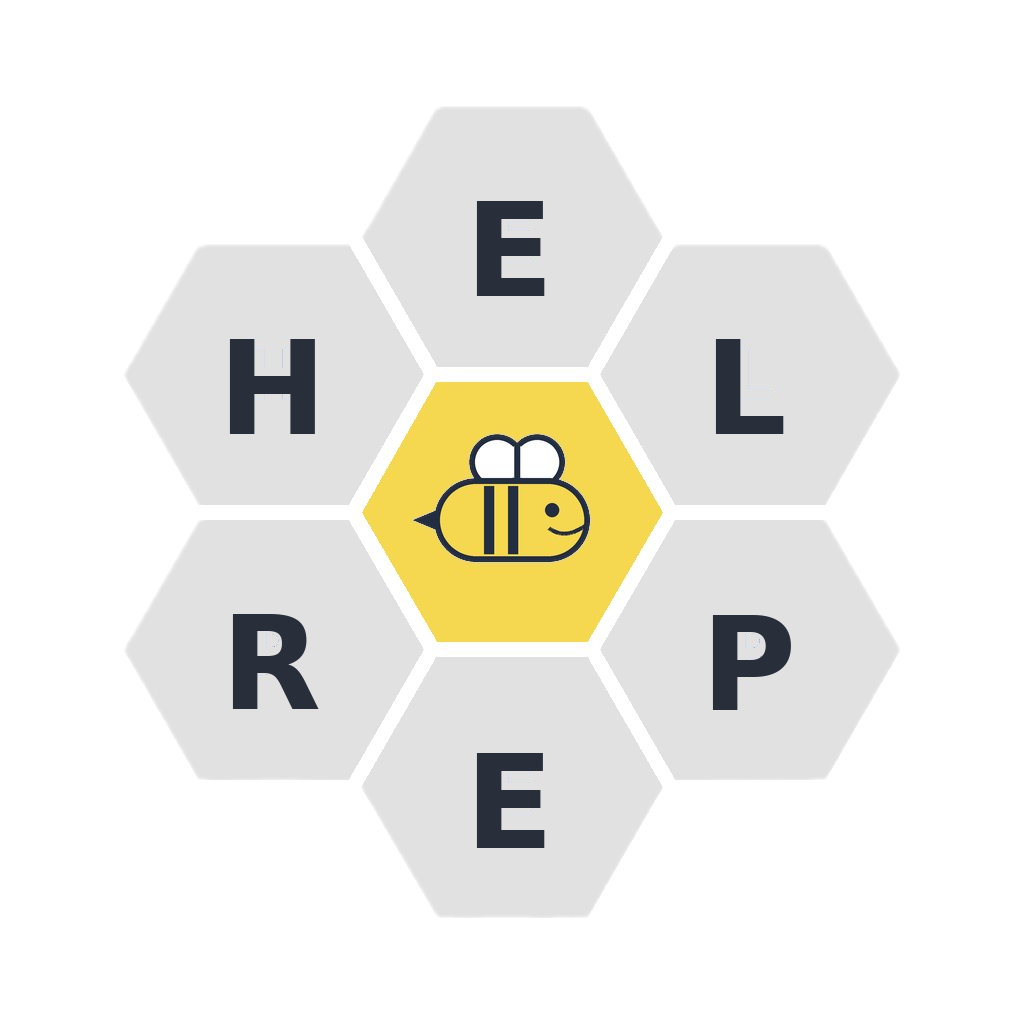
A visual workspace for spelling bee puzzles. Enter your 7 letters — with the required centre letter highlighted in gold — and get hexagonal tiles you can drag, group, and shuffle to discover words.
Hexagonal tiles inspired by the classic spelling bee format
Drag individual tiles or select and move groups at once
Fix tiles in place and shuffle the rest around them
Adjustable shuffle zones to focus on specific letter combos
Add duplicate tiles for letters that repeat in words
A clean, fast lifting log for iPhone, Apple Watch, and Mac. Reusable templates, an automatic rest timer, and Lock Screen controls so you can run your workout without unlocking your phone.
Reusable templates — build plans like Leg Day or Push, then launch them with one tap
Automatic rest timer between sets and between exercises, with chime and haptics
Lock Screen Live Activity — tap to complete a set without unlocking your phone
Apple Watch companion — start, run, and log workouts from your wrist
Syncs to Apple Health (and on to Strava) so workouts count toward your Fitness rings
You remember the name, not the address. Save the places you go back to just often enough to forget the way — the dentist, the vet, the storage unit — under a name that means something to you, then launch turn-by-turn directions in Apple Maps with a single tap.
Name every route in your own words — “Dentist,” “The vet,” “Storage unit”
One tap hands the whole route to Apple Maps for turn-by-turn directions
Start from your current location, with stops along the way for multi-leg trips
Choose driving, walking, cycling, or transit for each route
Ask Siri or use Shortcuts to launch a route hands-free
Share a place from Maps or any app to create a route in seconds
Free for up to three routes; Premium unlocks unlimited — syncs across iPhone, iPad, and Mac with iCloud
Setting it up takes about ten minutes, once. After that it runs on a few taps a week.
1
Import three months
Set your opening balance, then import your bank’s CSV export — and make it at least three months. That history is what lets the app recognise which payees actually repeat.
2
Let it find your rules
Any payee appearing in three or more months becomes a recurring rule — rent, utilities, salary. Those rules project forward, so your future balance fills itself in.
3
Keep it honest
Check your account now and then, add the one-offs that aren’t covered by a rule, and tick each item as it clears. A few minutes a week keeps the forecast true.
🎯
Simple by Design
Each app does one thing, and gets out of your way
✋
Hands-On Interaction
Drag, tap, log — work the problem yourself
🔒
Privacy First
No data collection, no tracking, no ads
📱
Native Apple Apps
Built for iPhone, iPad, Apple Watch & Mac with SwiftUI